How to Improve GTA 6 Performance on Base PlayStation 5: Essential Tips
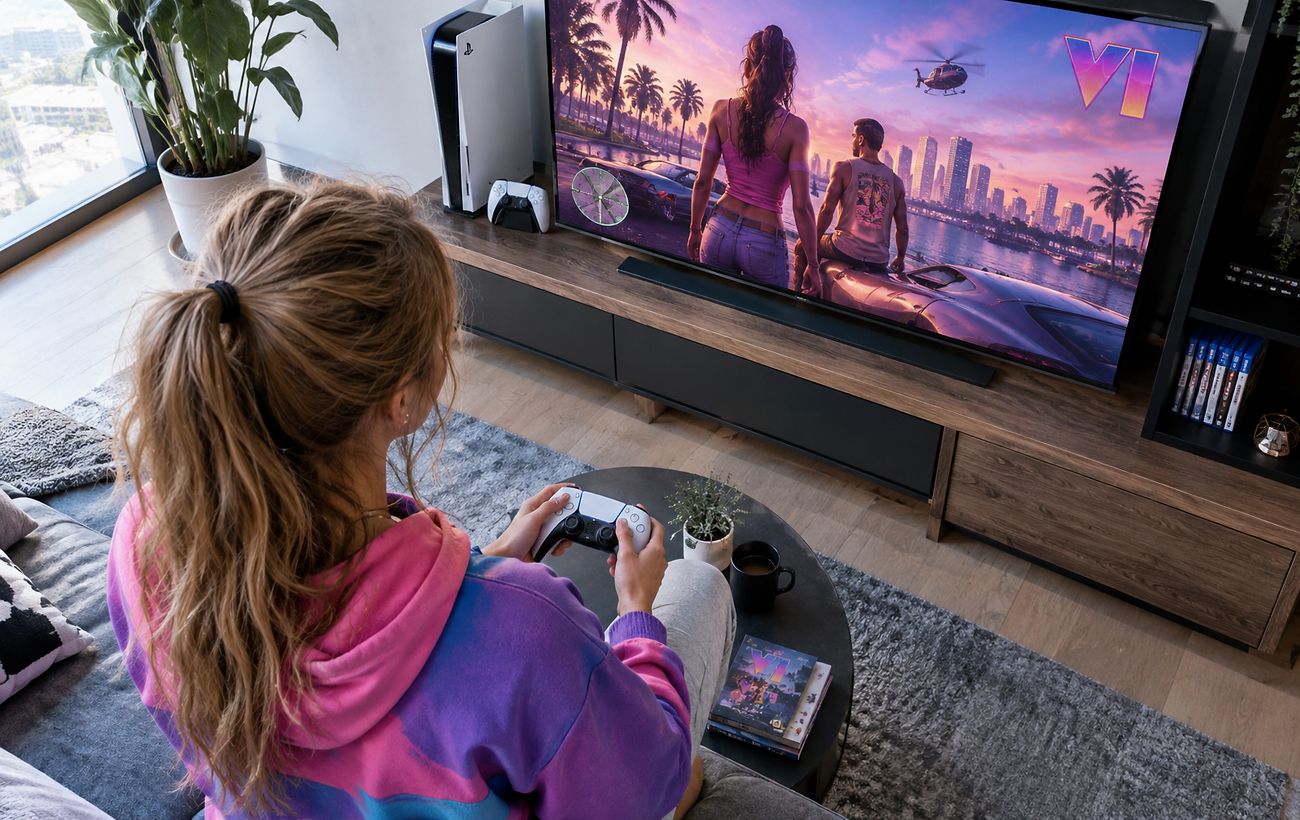
Gamers experiencing frame drops in GTA 6 on the base PlayStation 5 can improve stability and visual clarity through specific console and in-game settings adjustments.
 ⚽Sport
Photo: RBC-Ukraine
Key points
- Frame rate drops in GTA 6 on base PS5
- Clearing system cache and disabling HDCP
- Adjusting motion blur and HDR settings
The anticipated release of Grand Theft Auto 6 has brought excitement to the gaming community, but players using the base PlayStation 5 console have reported technical hurdles. Reviewers and gamers alike have noted frame rate drops below 30 FPS, motion blur during intense scenes, and occasional crashes. While the upgraded PlayStation 5 Pro handles the workload more smoothly, owners of the standard console must rely on manual adjustments to optimize their gaming experience.
Technical Steps for System Optimization
Because simply reinstalling the game rarely fixes performance issues, users suggest performing maintenance directly on the console's system software. One effective method is clearing the system cache and rebuilding the database. This requires booting the console into Safe Mode by holding the power button until the second beep, connecting a controller via USB, and selecting the relevant maintenance options.
Another recommended step involves adjusting the HDMI settings. Players can disable the HDCP feature within the system settings and quickly restart the console. These technical tweaks help smooth out minor stuttering and reduce the heavy workload placed on the base console's hardware, providing a more stable gameplay session.
In-Game Visual Adjustments
Beyond system-level changes, players can tweak settings inside the game to enhance visual clarity. Digital Foundry notes that since the base PS5 lacks PSSR upscaling support, it renders the image at 1440p using intensive TAA anti-aliasing, which can sometimes cause noticeable blurriness. Adjusting the Motion Blur Strength slider in the display settings can help mitigate this effect.
Experts advise against completely turning off motion blur to avoid overly sharp camera movements, recommending instead to tailor the setting to the type of display used, such as OLED screens. Additionally, verifying HDR calibration and ensuring that the television's Game Mode is enabled will help minimize input lag and improve overall responsiveness.
Source RBC-Ukraine — rbc.ua/ukr/news/gta-6-ps5-mozhe-pratsyuvati-krashche-ki-nalashtuvan… ↗
Read next
 🇺🇦Ukraine
Russian vessel Sparta II still burning in Gulf of Finland following drone attack
Emergency crews in Finnish territorial waters are continuing efforts to extinguish a fire aboard the Russian cargo ship Sparta II after a drone strike.
 🩺Health
Aftermath of Night Attack in Kyiv Region: Search Underway in Dymer Following Apartment Building Strike
A hostile drone strike heavily damaged an apartment building in the Kyiv region's Dymer settlement, leaving 14 residents unaccounted for.
 🎓Education
The Philosophy of Repair: How the Concept of Maintenance Shapes Daily Life in Ukrainian Communities
Reflections on why contemporary reality requires a reassessment of infrastructure restoration work and communication between citizens and the state.
 🚨Events
Online Firewood Scam: Pereiaslav Region Resident Loses Money on Facebook Purchase
A resident of Sosnova village ordered firewood via social media, but after transferring the funds, the seller's profile and contact number disappeared.
 🚌Transport
Winter Hazard Under the Hood: Police Urge Pereiaslav Drivers to Check Cars Before Driving
As temperatures drop, stray animals seek warmth under parked vehicles, prompting police to remind drivers to check their cars.
 🩺Health
Elina Svitolina and Marta Kostyuk Nominated for Prestigious 2026 WTA Awards
Leading Ukrainian tennis players Elina Svitolina and Marta Kostyuk have earned official nominations for the annual Women's Tennis Association (WTA) Awards following a hig…